



Garden Office Setups for Remote Workers:…

Wellness Gadgets for Home Workers (2026):…

Top 10 Best Wearables for Wellness…

Black Friday Desk Comfort Buys: What…

The Best Desk Stretches for Busy…

Top 10 Ergonomic Office Chairs for…

Sleep Earplugs: Simpler Sleep, Chosen and…

VYVE Health Explained: Can One £16.99…

Sunrise Alarm Clocks Compared: Are They…

Fitbit Edge vs Fitbit Air vs…

Soup Maker vs Saucepan: Which Suits…

Heated Throw vs Heated Blanket vs…
To reduce screen glare, first find where the reflection comes from, then move the screen or the light before buying anything. Outdoors, find shade first and match screen brightness to the light around you.
HSE says screen work does not cause permanent damage to eyes, but long spells can be associated with tired eyes, discomfort, temporary short-sightedness and headaches (HSE and Moorfields guidance, as of November 2026).
Quick Overview
- Find the reflection before changing anything.
- Move the screen or lamp first, then use blinds.
- Match screen brightness to the room or outdoor light.
- Outdoors: shade and angle first; Lenovo favours matte screens.
- A review shows no clear benefit from blue light glasses.
- If polarised sunglasses darken a screen, tilt or swap lenses.
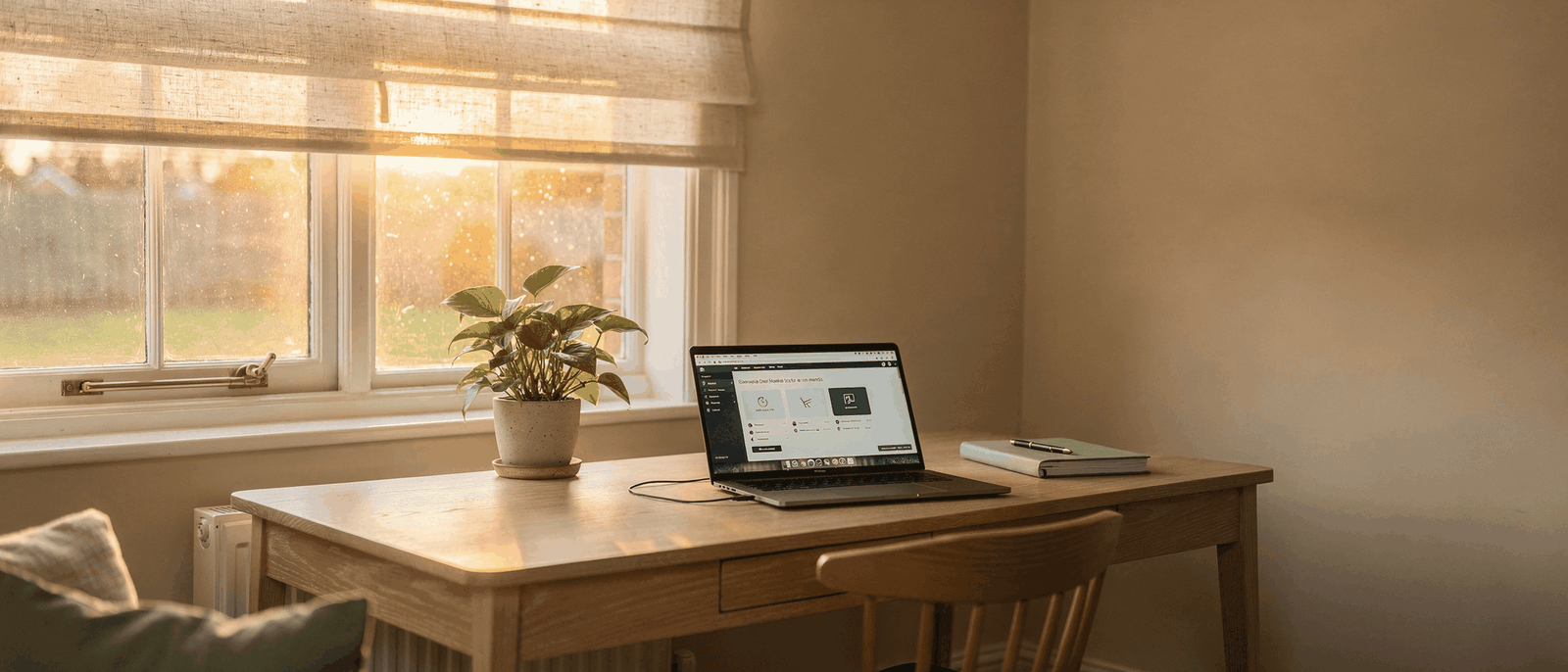
Quick fixes by glare problem
Window reflected behind you
Turn the desk side-on to the window, or close the blind.
Low winter sun across the screen
Angle the blinds, or move the screen for that part of the day.
Desk lamp reflection
Move the lamp to the side or lower it, so its light is not in line with the screen.
Washed-out screen in the garden
Find shade first, then raise the brightness to match the light around you.
Café overhead lights
Tilt the lid, or move your seat until the lights drop out of the screen.
Screen goes dark with sunglasses
Tilt your head, or swap to non-polarised lenses while you work.
How to reduce screen glare at your desk, in order of effort
Step 1: Find the reflection
Switch the screen off, or put a dark image on it, and look at what shows up in the glass. Windows, lamps and pale walls reflected there are your glare sources.
Moorfields says light reflecting off the screen and nearby surfaces can increase eye strain. Knowing exactly which source you are dealing with tells you what to move.

Step 2: Move the screen or the light
Moorfields suggests moving light sources that cause glare or changing the angle of the screen. Start with the window. A window behind you reflects in the screen, and a window behind the screen shines straight in your eyes.
Setting the desk side-on to the window avoids both. For an evening lamp, shift it until it no longer appears in the dark-screen check from step 1.
Step 3: Use window blinds or curtains when the sun is low
If you cannot move the desk, control the window instead. Close or angle blinds and curtains at the times of day when the sun is low, which in winter can mean much of the working afternoon.
If a window has no covering at all, fitting blinds or thermal curtains is an option.
Step 4: Match brightness and contrast to the room
Moorfields says a screen that is too bright in low light, or too dim in bright light, can strain the eyes, and that matching brightness and contrast to the surroundings can reduce eye strain and fatigue.
Turn brightness down as the lamps come on, or switch on automatic brightness if your laptop has it. Dark mode may feel more comfortable in the evening, but it changes colours, not reflections.
Step 5: Consider an anti-glare screen filter last
If glare is still there after the first four steps, an anti-glare screen filter is a paid option. Leave it until last: the free steps may solve the problem on their own.
A privacy filter does a different job: it stops people beside you reading the screen. For glare, buy one sold as anti-glare or matte, made for your exact screen size.
What UK workplace rules say about screen glare
Employees who are DSE users
The schedule to the Display Screen Equipment Regulations 1992 says the screen shall be free of reflective glare and reflections liable to cause discomfort. It also says windows and bright surfaces should cause no direct glare, and windows should have a suitable adjustable covering.
HSE says an employer must provide and pay for a full eye and eyesight test by an optometrist or doctor if a DSE user asks. This is general background, not legal advice.
Employees who work from home
HSE says the rules can apply to employees who work from home long-term, or who routinely split their time between the workplace and home, if they use screens daily for an hour or more at a time.
They do not apply to occasional or short spells of screen work at home. If you are unsure whether you count, ask your employer.
Self-employed and freelancers
The funded test is an employer duty to employees who are DSE users, so self-employed readers should not expect it.
HSE's general habits apply to anyone: check the screen is well positioned and adjusted, make sure lighting is suitable and take regular breaks from screen work. If your eyes are often tired or sore, book a sight test with an optometrist.
How bright does a laptop screen need to be outside?
What a nit measures, and which figure to read
A nit is the unit used to rate how bright a screen can get. One independent guide says a typical mainstream laptop sits at around 250 to 400 nits, and suggests checking full-screen SDR brightness rather than the HDR peak figure, which applies only to small highlights.
Shade versus direct sun: a rule of thumb
Lenovo says laptops with at least 400 nits are generally suitable for outdoor use, which fits working in shade. For very bright conditions, it says 500 nits or more may be preferable.
These nit figures are rules of thumb, not standards, and sources differ on direct sun. If you mostly sit in shade, around 400 nits is a reasonable guide; for strong sun, look higher and still find shade.

Anti-glare laptop setup outside: shade, angle, screen finish and breaks
Put the sun behind or beside you
Sit with the sun behind or to the side of you rather than behind the screen. Then tilt the lid slowly until the bright patch on the screen disappears.

Find shade first
Look for shade before anything else: a tree, a parasol or a café awning all count. Shade and angle matter outdoors, and Moorfields says matching brightness to the surroundings can reduce eye strain.
For café overhead lights, see the quick fixes at the top of this article.
Matte or glossy screen?
Lenovo, a laptop manufacturer, says matte screens are often better outdoors because they minimise reflections compared with glossy ones. If yours is glossy, you do not need to replace it: be stricter about shade and angle, because anything bright behind you is more likely to end up in the glass.
Take look-away breaks
Moorfields suggests that every half an hour you look at a distant object for 20 seconds, then close your eyes for 10 seconds. Outdoors this is easy: the horizon or the far end of the garden makes a handy distant object.
Portable laptop hood or shade
If you work outside often and there is no natural shade, a portable laptop hood is one option to look at. Try the free steps above first, since sun position and angle cost nothing.
Are blue light glasses worth it for screen glare?
What the evidence says
The College of Optometrists reported a Cochrane review that found blue-light filtering glasses did not perform better than ordinary lenses at reducing computer-related eye strain. The same review found their effect on sleep quality was inconclusive.
The evidence does not show a clear benefit, which is different from saying the glasses are useless.

Why they are not a glare fix
The Macular Society says blue light filtering glasses filter only roughly 10 to 25 percent of blue light. It also says daylight contains far more blue light than artificial sources.
Glare comes from where the light and the screen sit, which glasses do not change. Fix the light and screen position first; the evidence gives no reason to buy blue light glasses as a glare fix.
Why polarised sunglasses can make a laptop screen look dark
What to try while your screen goes dark
All About Vision, a US source, says polarised sunglasses and LCD screens both use polarising filters that can cancel each other out. Through the lenses, an LCD screen can look dark or completely black, depending on the screen and the angle.
Tilting your head or the screen may help. If it keeps happening, wear non-polarised tinted lenses while you work and switch back when you close the laptop.

Choosing sunglasses: check the label, not just the UV mark
ABDO says to check the sunglasses label, look for a CE or UKCA mark and ask a registered dispensing optician if unsure. UV protection and polarisation are separate things, and a UV mark tells you nothing about polarisation.
If you wear prescription glasses, ask a dispensing optician about prescription sunglasses or clip-on lenses, and check whether they are polarised before using them for screen work.
Screen glare FAQs
Can screen glare damage your eyes?
HSE says screen work does not cause permanent eye damage. Long spells can be associated with tired eyes and headaches, though, and Moorfields links reflected light to eye strain. That is why moving the screen or the light is worth a few minutes.
Do I get a free eye test if I work from home?
If you are an employee who counts as a DSE user, yes: HSE says your employer must provide and pay for an eye test if you ask, and the rules can apply to long-term and hybrid home workers who use screens daily for an hour or more at a time. If you are self-employed or freelance, that employer duty does not apply, so you book your own sight test.
Is matte or glossy better for working outside?
Matte, according to Lenovo, because it minimises reflections. A glossy laptop still works outside if you are strict about shade and angle; see the outdoor section above.
Final verdict: fix the light before you buy anything
Start free. Reposition the screen and the lamp, use the blinds when the sun is low and match brightness to the room. Outdoors, sort out shade and angle before worrying about screen specs.
The biggest reservation is the brightness numbers: nit figures are rules of thumb, and sources differ on what you need in direct sun. If your eyes are still often tired or sore after these changes, book a sight test with an optometrist.
If an evening lamp is your glare source, our guide to the best desk lamps for a home office compares brightness, warmth and glare control.