When MyHotips started, it was partly because so many of us had built an income, a side hustle or a whole career from a spare room, a kitchen table or a corner of the bedroom, and our bodies were starting to send strongly worded emails about it. The Money Growth side of the site helps you build the work. This side helps the room you do it in stop fighting back.
Home Office Comfort covers the physical side of working from home: your chair, your desk, your posture, your lighting, the air you breathe and how warm you are. Not a showroom office. Your office, whether it is a garden pod or a desk wedged next to the boiler. Both count, and both can be made kinder to your back, neck and eyes without spending a fortune.
Related guide: Working from home without wrecking your health

Quick Overview
In this guide:
Start Here
New to this part of MyHotips? These are the articles we would read first, roughly in this order: the cheap fixes, then the bigger buys.
Why Home Offices Get Uncomfortable
Too Long in One Position
Working from home quietly removes the walking you used to do without thinking: the commute, the trip to the meeting room, the lunch run.
Without them, it is easy to sit in the same shape for hours. The NHS advises breaking up long periods of sitting, and a chair and desk that fit you make it far easier to change position.
Related guide: Lower back pain from sitting too long
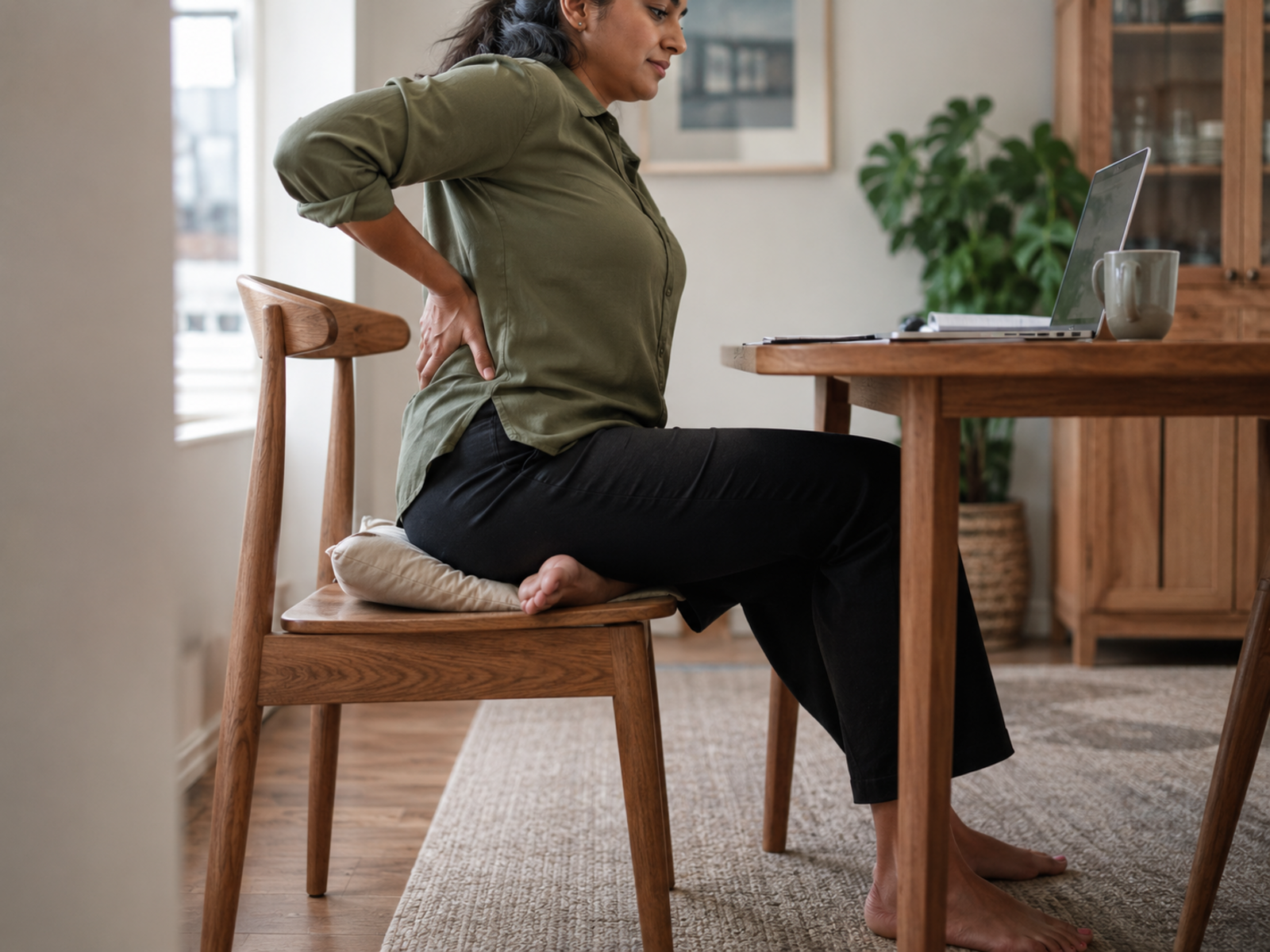
The Improvised Setup
A lot of home offices were set up in a hurry, usually during lockdown, and never properly revisited.
Kitchen tables, sofas and dining chairs were not designed for eight-hour days, so the back, neck and shoulders end up doing the work the furniture should be doing.
Helpful guide: Home office ergonomics without spending a fortune

Glare and Poor Lighting
A screen facing a bright window, or a dim room lit by one overhead bulb, leaves you squinting and leaning in.
Moving the desk, adding a lamp or angling the screen often makes more difference than any gadget.
Related guide: How to reduce screen glare indoors and outdoors

Stuffy, Cold or Damp Rooms
Small rooms with the door shut can feel stuffy by mid-afternoon, and spare rooms are often the coldest or dampest in the house.
Fresh air, a little warmth where you sit and keeping condensation under control make a room you can actually work in all day.
Related guide: Dehumidifiers explained: when are they worth running?

Five Things That Make a Home Office Comfortable
A Chair That Fits You
Look for adjustable seat height and lower-back support, so your feet sit flat and your back is supported. Before buying, try a cushion behind your lower back: sometimes a £12 fix does the job.
Product guide: Top 10 ergonomic office chairs for lower back pain
Desk and Screen Height
The top of the screen should sit at or just below eye level, with your elbows level with the desk. A laptop stand and a separate keyboard turn a laptop into a proper setup.
Setup guide: Best laptop stands review

Light You Can Work In
Daylight from the side is easiest on the eyes, with a desk lamp for dark afternoons.
Warmer, softer light in the evening also helps the room feel less like an office once you are done.
Helpful guide: The best lighting for darker evenings at home

Room to Stand and Move
If you can, leave space to stand for calls, or use a standing desk with a mat underfoot. A comfortable office is one you can change position in, not one you are wedged into.
Related guide: Best standing desk mats review

Small Changes That Make a Big Difference
You do not need a garden office pod and a candle that smells like a Scandinavian forest. Most comfort comes from a few small, free changes.
Try these first:
None of these cost much, and together they take a lot of the strain out of a long day.
Related guide: Heated throw vs heated blanket vs heating the room
Final Thoughts
MyHotips exists because building an income from home should not cost you your back. Home Office Comfort is the part of the site that looks after the room where the work happens.
It is not about the perfect setup. A chair that fits, a screen at the right height, decent light, fresh air and enough warmth will do more for most people than any single gadget.
Start with the free fixes, then spend where it helps most, usually the chair. Your spine will be the first to send a thank-you note.
FAQ
What does Home Office Comfort cover?
Everything physical about where you work: chairs, desks, posture, lighting, air quality and warmth. Sleep, food and movement have their own guide, and so do screen and inbox stress.
Why do home offices often feel uncomfortable?
Many were set up quickly on kitchen tables and dining chairs that were never designed for full working days, so your body ends up compensating.
How often should I get up from my desk?
The NHS advises breaking up long periods of sitting. A simple rule is to stand or move between tasks or calls, and to set a reminder if you tend to forget.
What is the cheapest way to make a home office more comfortable?
Raise your screen to eye level, support your lower back with a cushion and sort out your lighting. All three can cost very little.






